Synoptics
What is a Synoptic?
A Synoptic is the interactive graphical representation of your industrial process. It is the canvas where raw system data transforms into useful visual information for the operator.
In InDataX, synoptics are not static; they are living interfaces. They allow you not only to visualize the status of a machine or plant in real-time, but also to interact with it by sending commands, changing setpoints, or navigating between different views.
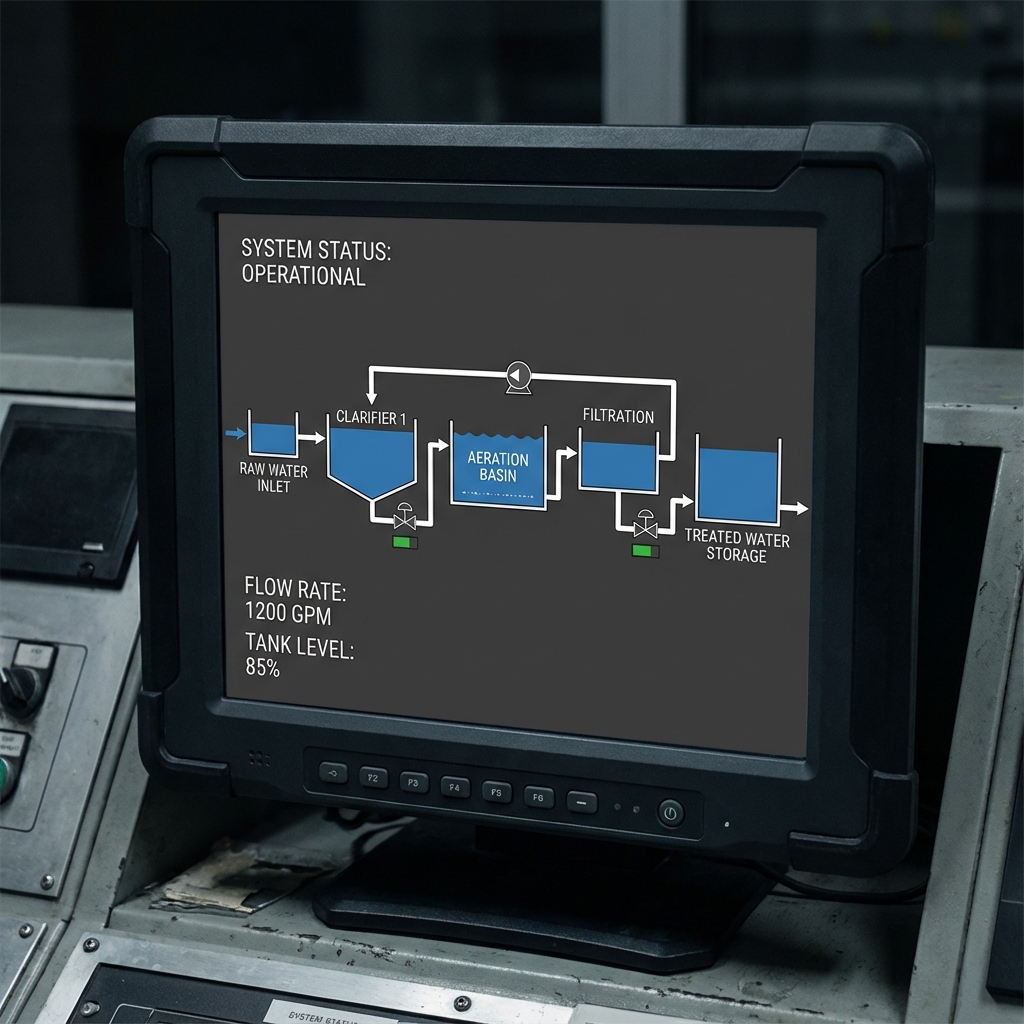 Plant Synoptic
Schematic representation of the complete process.
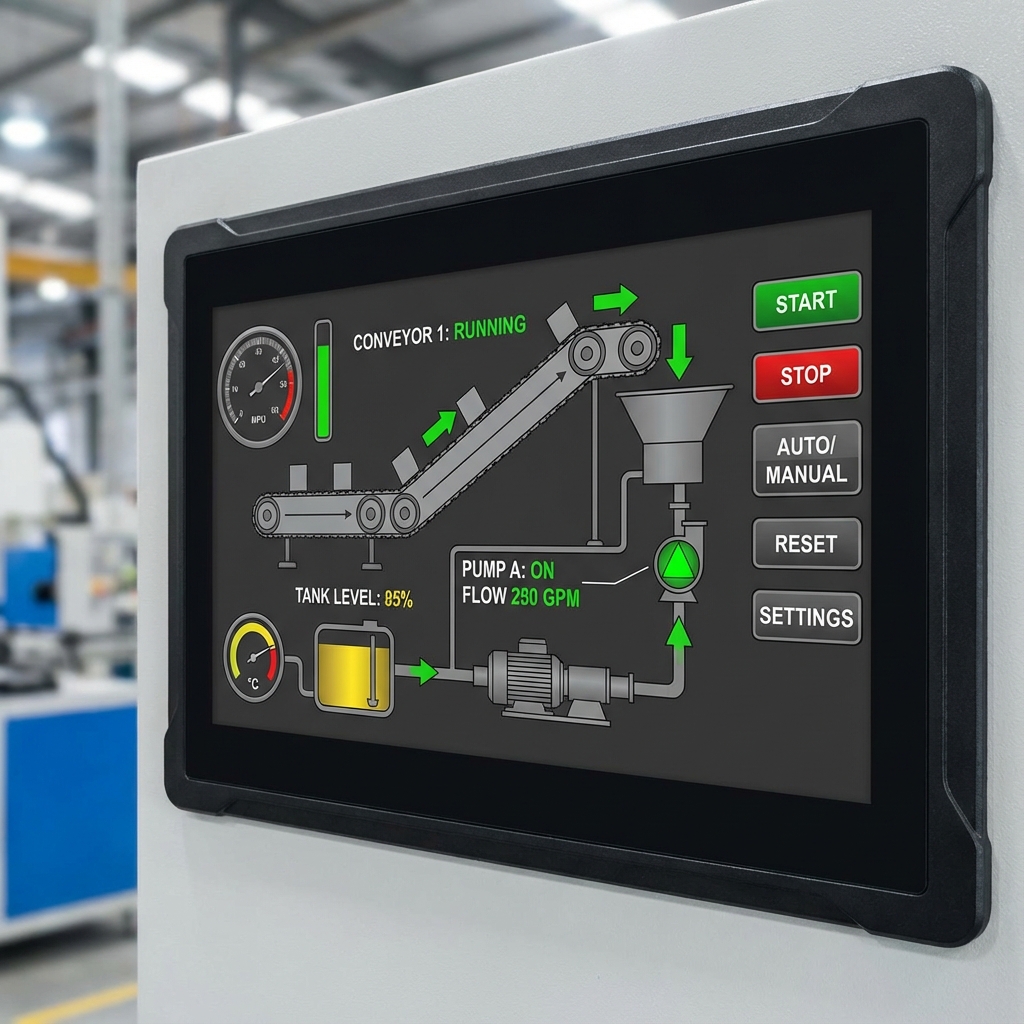 Machine Control
Detailed representation of physical assets for direct operation.
Use the visual editor to drag and drop items, link them to variables, and create rich and intuitive user experiences.
How to access
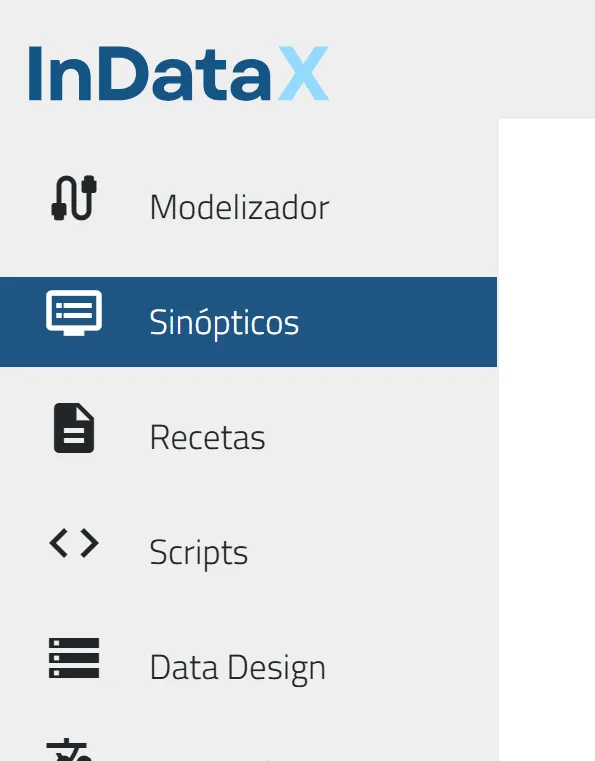
Access the Synoptics Editor with the principal button from the Dashboard or the side menu icon from any screen.
Home Synoptic
The Home Synoptic is the screen that will automatically be displayed to the user upon successful login.
This configuration is individual and is defined for each user in the User Management section. This allows for a personalized experience, for example, showing a general dashboard to a supervisor and a specific machine screen to an operator.